Mobile apps
Screen Off Recorder
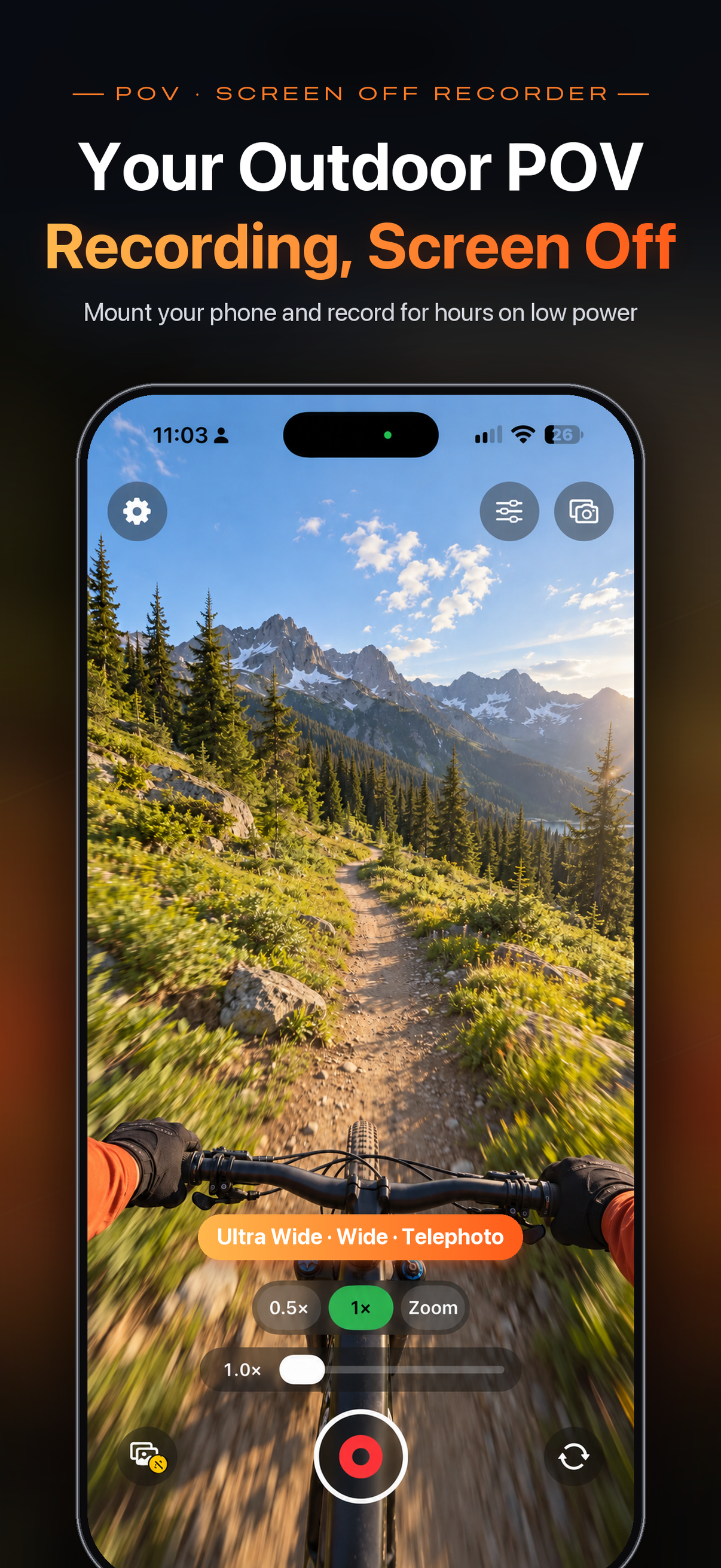
Long outdoor takes, screen off — Mount your iPhone and record for hours with the screen off—saves battery, stays cool, prevents accidental taps. Dual cam captures the view and your reaction; Apple Watch remote and album timestamps. No account, no upload.
Screenshots
Highlights
v1.7 redesigns the camera screen: one-tap dual cam, an Adjust panel with live preview, and timestamps from the album button.
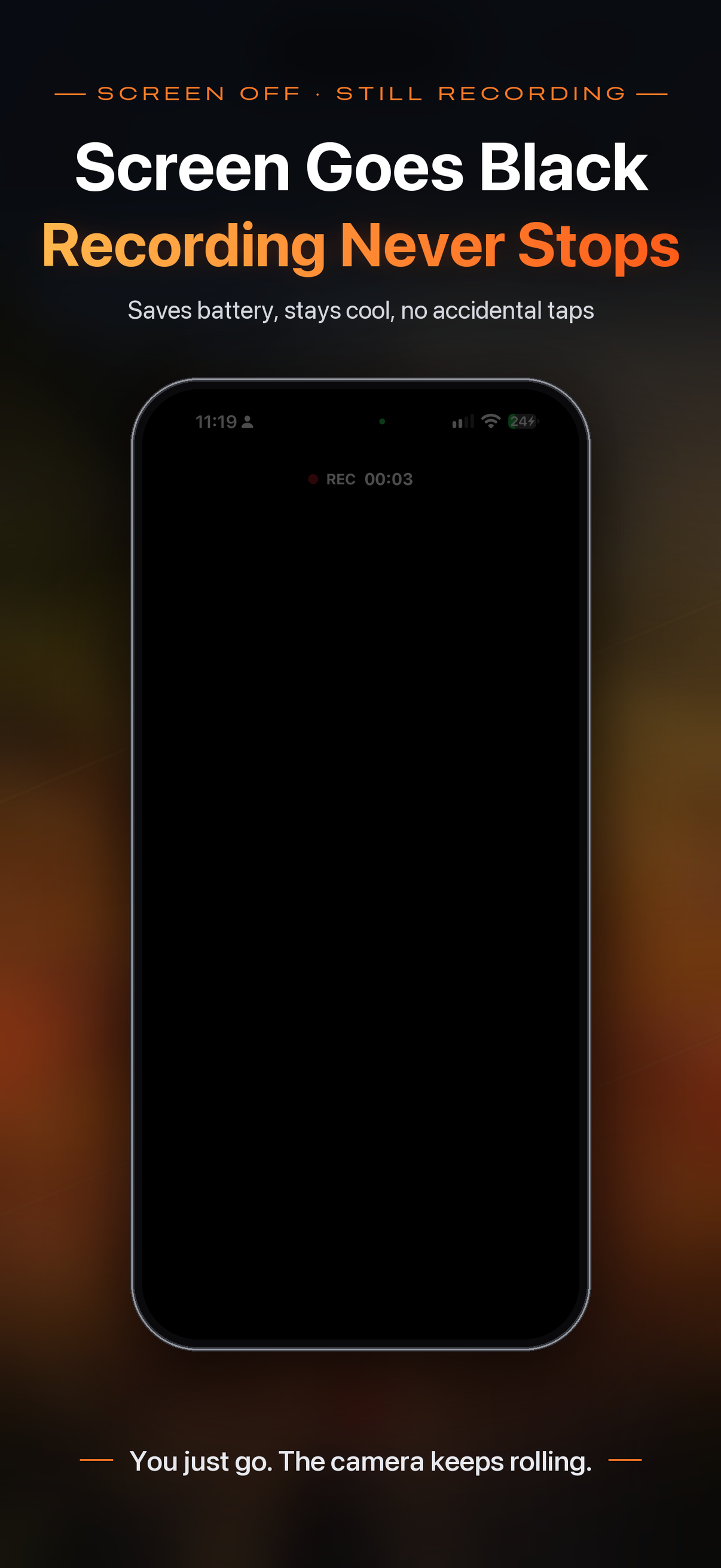
Tap Screen Off while recording for a near-black overlay—saves battery, stays cool, prevents taps. Tap to wake; the recording indicator stays visible.
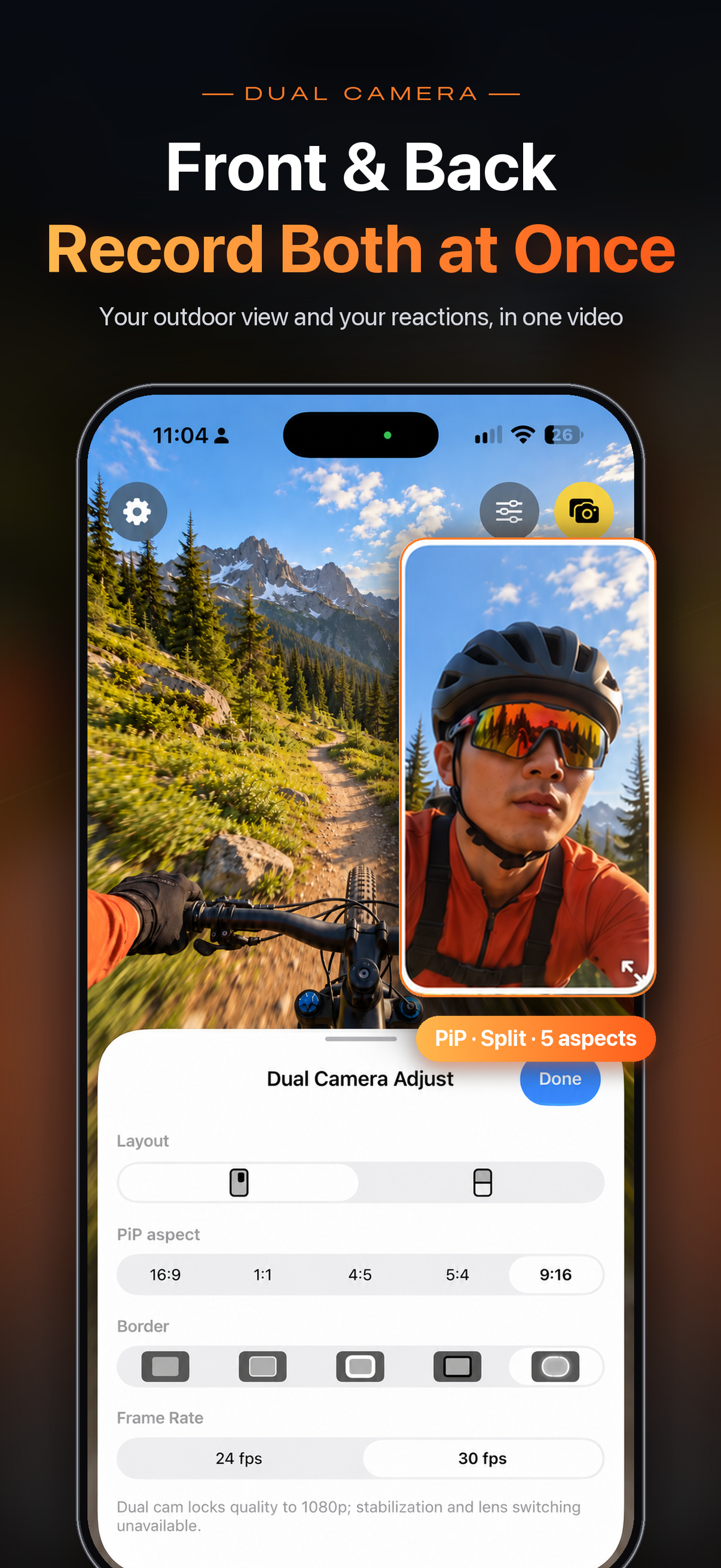
The view and your reaction in one video—PiP or split, 5 aspect ratios, border styles; tap the inset to swap views.
New in 1.7: one-tap dual cam at top right; quality, frame rate, stabilization, lens, and dual layout in one panel with live preview.
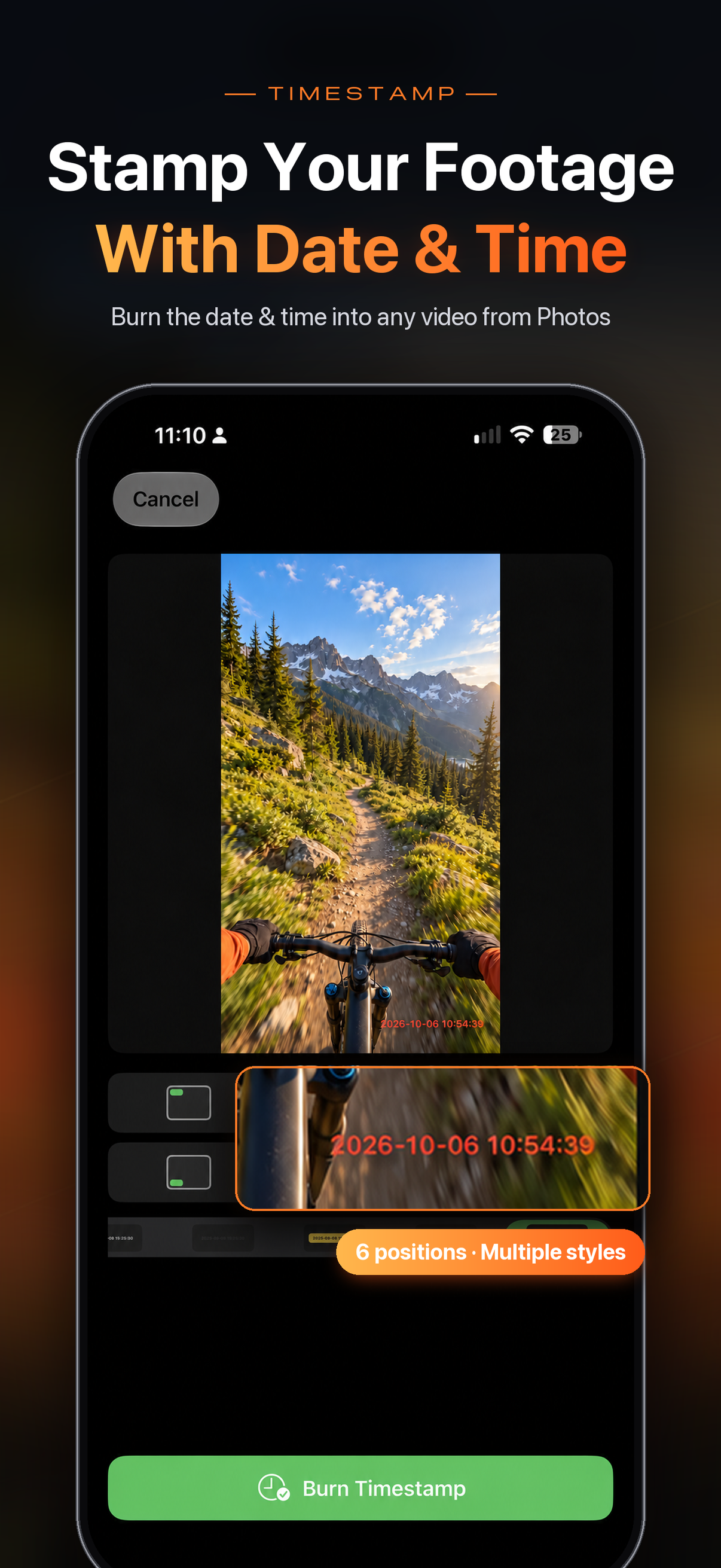
Pick a video from the album button and burn in a clock that follows capture time—6 positions, many styles; saves a new copy.
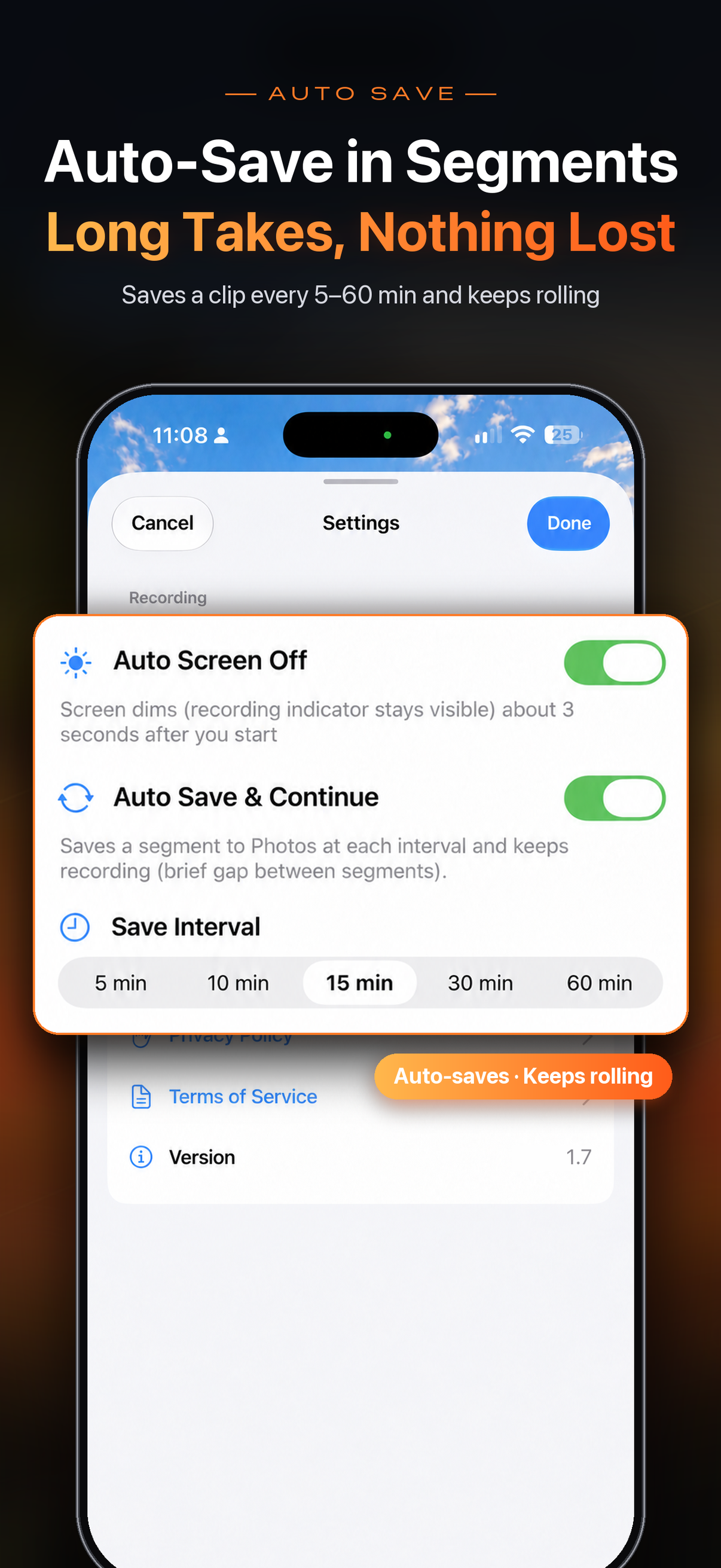
Optionally save every 5/10/15/30/60 minutes and keep rolling (off by default); brief gaps, multiple clips in Photos.
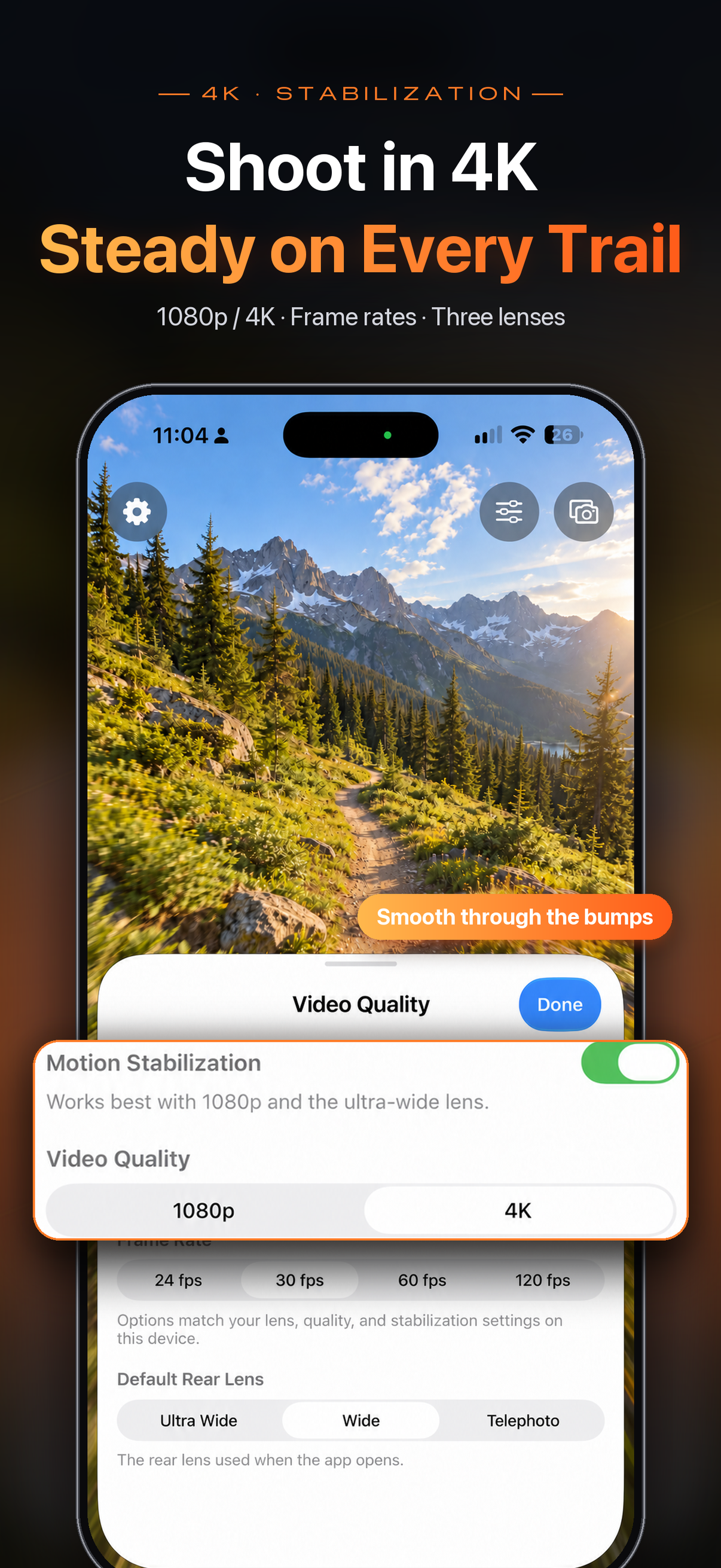
Single cam: 1080p / 4K, multiple frame rates, ultra wide / wide / telephoto (device-dependent), and motion stabilization.
Start/stop & save, preview, Screen Off, and settings from your wrist; preview follows the primary view in dual cam.
No account, no cloud upload—recordings, auto-saved clips, and timestamped videos stay in on-device Photos.
Need a partnership or enterprise build?
Tell us about your scenario via the contact page—we will get back to you.